Built in layers.
An editor, on a runtime, on a set of standalone libraries. Build your game on whichever one fits.
Hover a step to see what your game is built on. Click one to read about it.
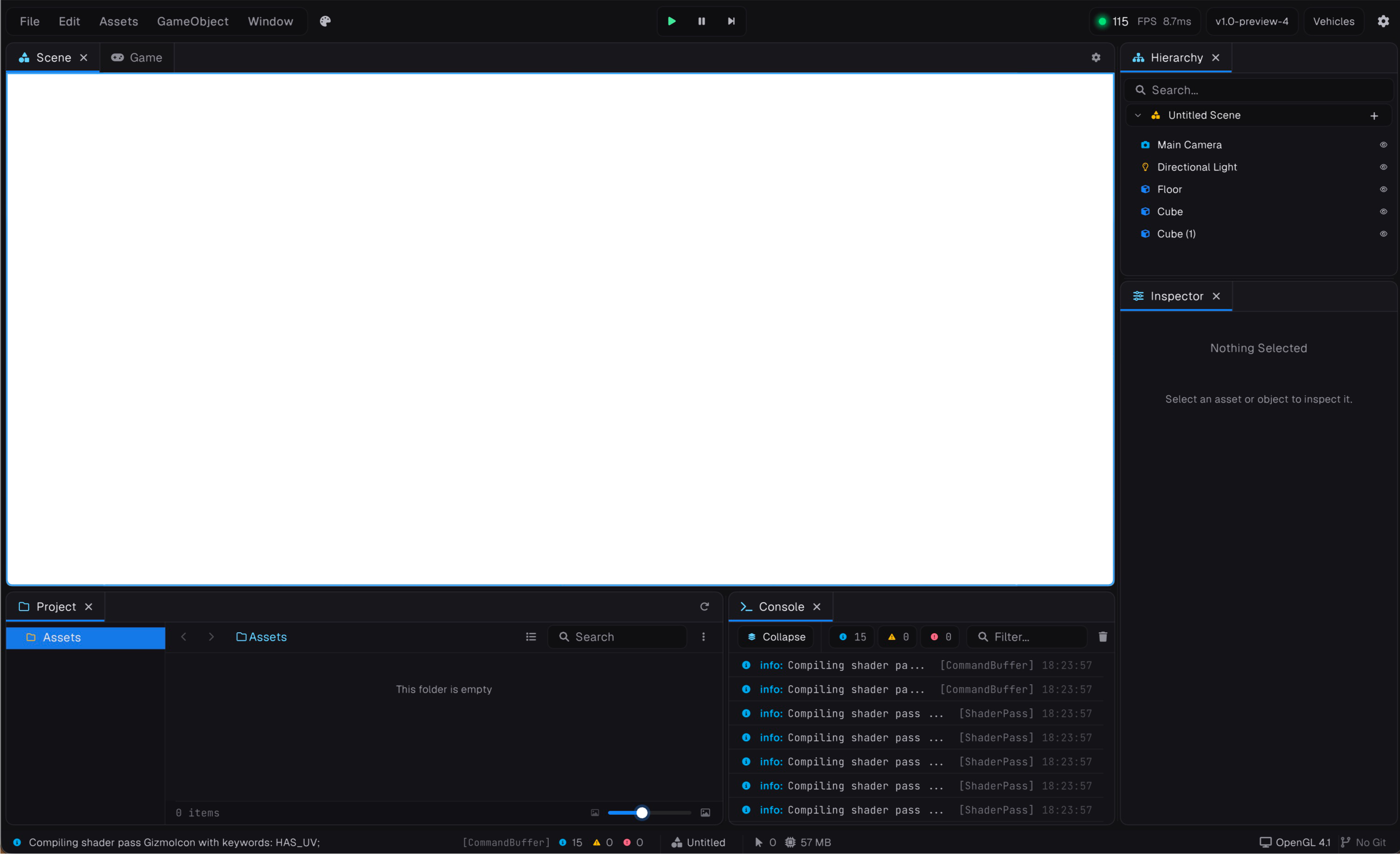
Build visually.
Scenes, inspector, play mode and hot-reload, on the same runtime your game ships with.
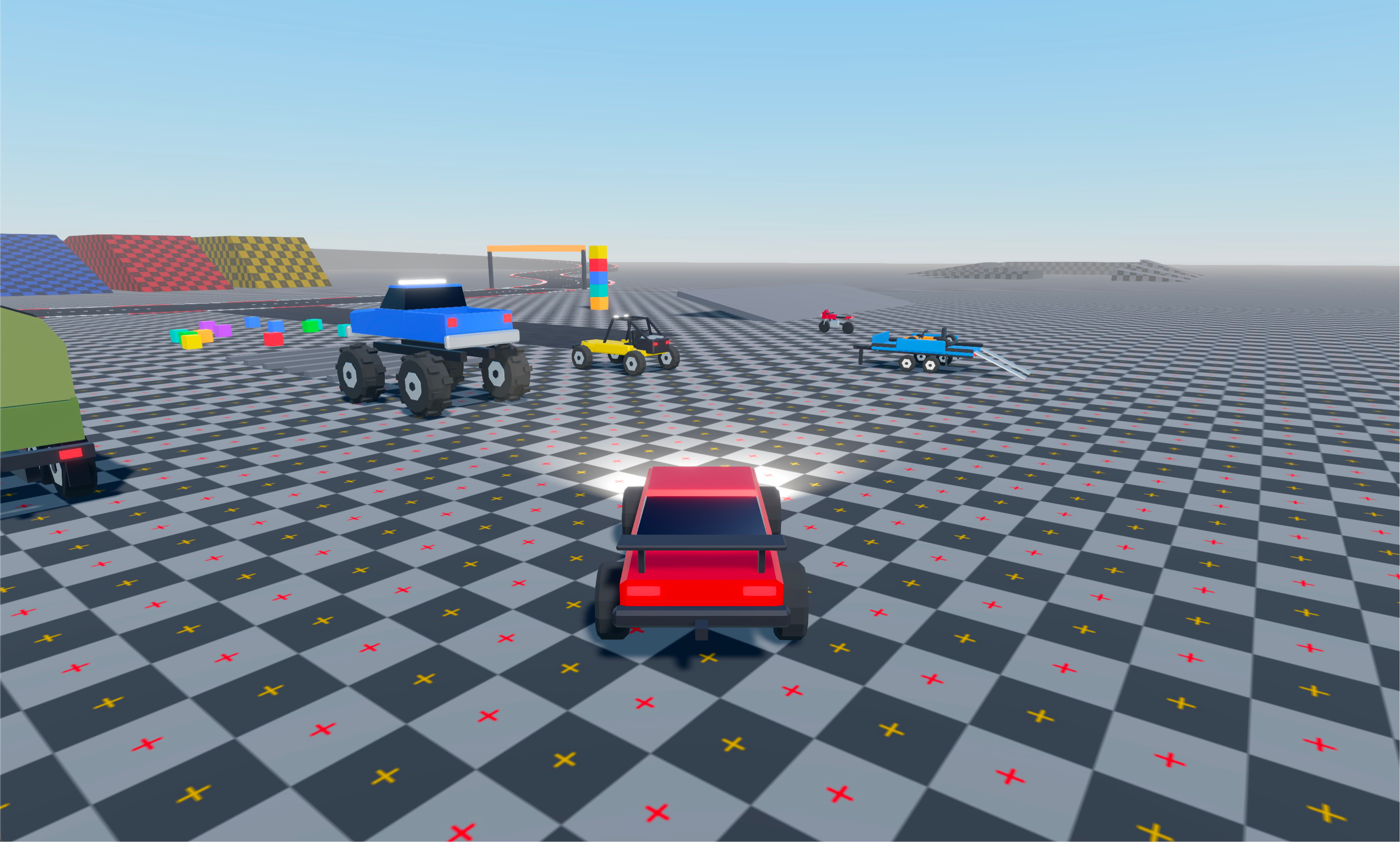
Or skip the editor.
The runtime is a plain .NET library. Reference it, write a class, run it.
Runtime-only samplesusing Prowl.Runtime; using Prowl.Vector; new MyGame().Run("Simple Cube", 1280, 720); public sealed class MyGame : Game { public override void Initialize() { var scene = new Scene(); GameObject cam = new("Main Camera"); cam.Transform.Position = new(0, 2, -8); cam.AddComponent<Camera>(); scene.Add(cam); GameObject cube = new("Cube"); MeshRenderer mr = cube.AddComponent<MeshRenderer>(); mr.Mesh = Mesh.CreateCube(Float3.One); mr.Material = new(Shader.LoadDefault(DefaultShader.Standard)); scene.Add(cube); Scene.Load(scene); } }
Or go all the way down.
A collection of standalone, MIT-licensed game libraries. The runtime is built from them, and each one is its own NuGet package.
- Prowl.Graphite Rendering
A low-level, cross-platform GPU abstraction for Windows, Linux and macOS. Powers the rendering layer.
- Prowl.Clay Assets
Model importing for glTF 2.0, GLB, VRM, OBJ and FBX into one read-only model graph. Pure C#, no native dependencies.
- Prowl.Echo Serialization
Serialization via an intermediate representation you can inspect and modify before it becomes binary or text.
- Prowl.Paper UI
The immediate-mode UI framework the editor is built in. Retained-mode results, immediate-mode ergonomics.
- Prowl.Unwrapper Meshes
Turns any triangle mesh into a non-overlapping UV atlas, ready for lightmaps and AO bakes.
- Prowl.Aperture Imaging
Image decoding in managed C#, replacing the ImageMagick dependency for texture loading.
- Prowl.Quill Graphics
Hardware-accelerated, anti-aliased 2D vector graphics. The renderer underneath Paper.
- Prowl.Scribe Typography
TrueType parsing, text layout and Markdown, with no native dependencies. Draws the text Quill renders.
- Prowl.Vector Math
Vectors, matrices, geometry, noise and collision, in 32- and 64-bit. The math the others are built on.
- Prowl.Slang Shaders
A .NET wrapper over the Slang shader compiler, covering its COM API plus shader reflection and type APIs.
- Prowl.Crumb Parsing
A tiny, high-performance tokenizer that lexes directly over a ReadOnlySpan<char>. Built for DSLs, markup and config formats.
- Prowl.Origami UI
The official component library for Paper. The widgets and gizmos the editor interface is assembled from.
- Prowl.Ember Hot Reload
Script hot-reloading. Components opt into reload behaviour with IReloadAware and ReloadIgnore.
- Prowl.Photonic Lighting
A progressive CPU lightmap baker. Path-traced direct and indirect lighting, BVH4 and AVX2 accelerated.
- Prowl.Rosetta Localization
Lightweight, backend-agnostic localization for .NET. Works outside Prowl just as well as inside it.
- Prowl.Drift Physics
A pure .NET 2D physics engine. Rigid bodies, collision shapes and constraints, with no native binaries.
- Prowl.Wicked Networking
Authoritative client-server multiplayer with IL-weaved RPCs and automatic state replication. No source generators.
Start building today.
Pick the layer you want to start on.
Reference the runtime from your own .NET project and build in code.
Pull just the libraries you need into any .NET project.
Not sure where to start? Ask on Discord.